

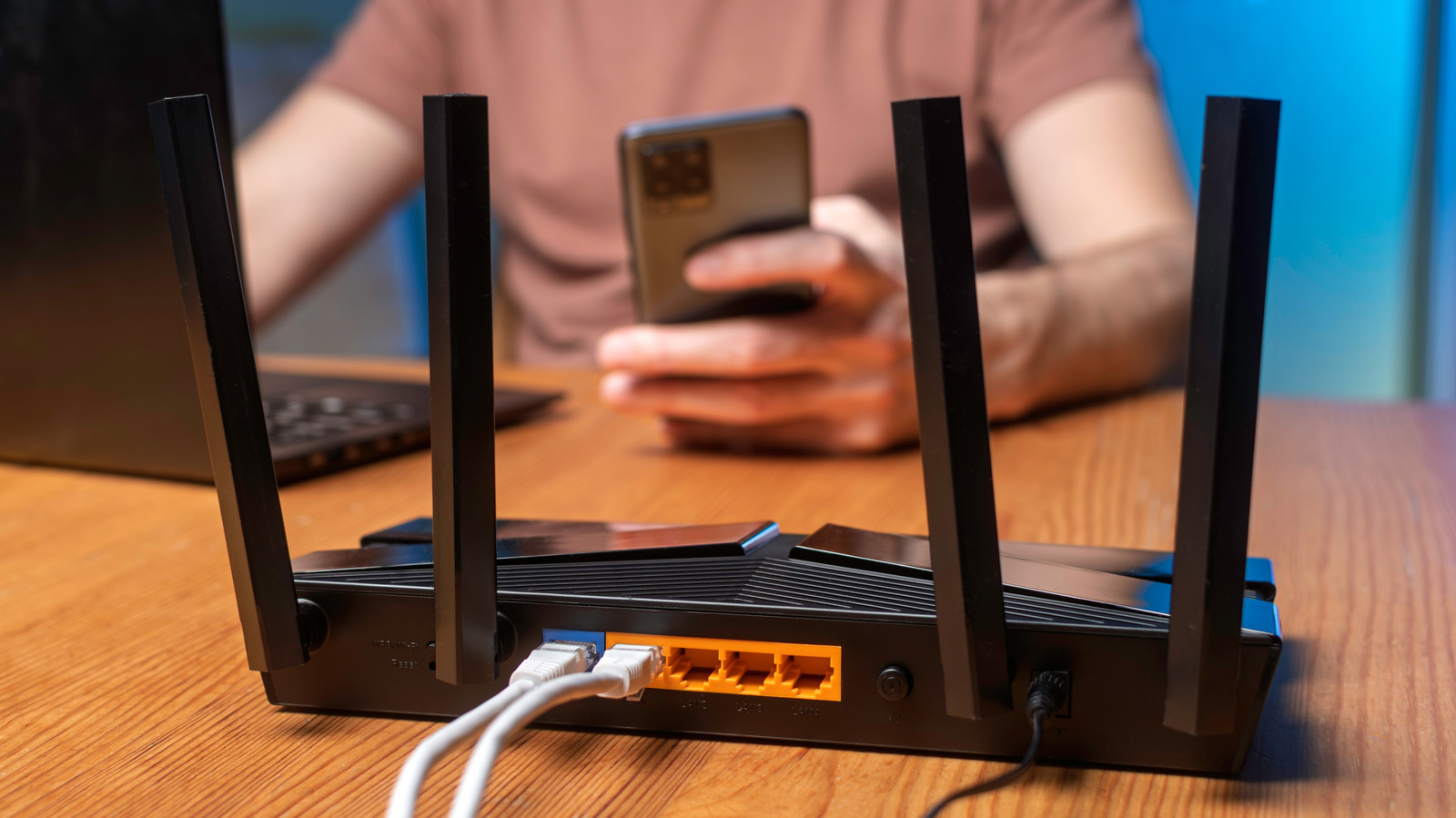
If you're like many internet users, your wireless router is a device you take for granted, only thinking about it when the Wi-Fi fails. Data reveals that 71% of households rely on routers provided by their internet service providers (ISPs). While this convenience is appealing, it's crucial to remember that your router serves as the first line of defense for your home network's cybersecurity. Regular updates are essential to protect against potential threats and vulnerabilities.
For those who own their routers, such as models from Asus, Archer, or TP-Link, the responsibility for updates falls on you. If your router has ceased receiving updates, it's crucial to consider upgrading. Recent changes, including an FCC ban on foreign-made routers, have complicated matters further, heightening the urgency for consumers to ensure their devices are up-to-date.
Why Security Updates Are Crucial
When a router stops receiving updates—whether due to reaching its support cycle or new regulations—it transforms into a significant security vulnerability. Manufacturers release security patches through firmware updates to combat ongoing threats. As new vulnerabilities are discovered, attackers exploit these weaknesses until manufacturers provide fixes. Failing to apply updates is akin to neglecting to replace a broken lock on your front door; it leaves your network open to intrusions. Once attackers gain access, they can target connected devices such as phones and laptops.
Older routers that no longer receive updates may also lack the capacity to handle modern internet demands. Upgrading to a new router can significantly enhance your internet experience, especially with the latest Wi-Fi 7 standard, which offers improved bandwidth and supports more devices at higher speeds. If your internet feels sluggish, it may be due to an outdated router struggling to manage the number of connected devices or excessive bandwidth usage from activities like streaming.
The Impact of the U.S. Government's Ban on Foreign Routers
A new FCC ban on foreign-made routers, effective March 2026, has raised concerns about the future of router updates. This ban places certain routers on the FCC's Covered List, citing unacceptable national security risks. With most major router brands manufacturing outside the U.S., there are fears that this could lead to a shortage of available routers and exacerbate existing security vulnerabilities.
Security experts warn that the ban may result in manufacturers ceasing updates for U.S. customers once the grace period ends in March 2027. This could lead to a situation where outdated routers, known as 'zombie hardware,' remain in use without any updates or support. Consequently, ISPs might refrain from replacing old routers, as they might not be able to source new models. Currently, only a limited number of companies, such as Starlink, produce routers domestically, and their offerings may not meet the needs of most American internet users who rely on high-speed fiber or cable connections.
As of April 2026, there is still some time before the ban fully takes effect, making this an opportune moment for consumers to replace aging routers with those supporting modern standards like Wi-Fi 7. While this won't guarantee ongoing support if the manufacturer decides to stop updates, newer models are more likely to receive necessary updates compared to outdated counterparts.
Conclusion
In conclusion, if your router has stopped receiving updates, it is imperative to consider upgrading. The security implications of using an outdated router are significant, and with new government regulations on the horizon, the need for modern, secure devices has never been more pressing. Investing in a new router not only enhances your cybersecurity but also improves your overall internet experience.
Source: SlashGear News